
What Netflix Knows About Your Attention, Your Tastes, and Your Escapes — And How to Download It
- treky

- Jan 16
- 5 min read
Updated: Jan 19
You probably think of Netflix as entertainment.
Something you turn to after work. On a Sunday. Late at night. When you’re tired, bored, stressed, or trying to avoid your thoughts.
But Netflix is not just a streaming service — it is one of the most precise trackers of your attention, mood, and imagination in the digital world.
Unlike Google, which tracks your questions, or Spotify, which tracks your feelings through music, Netflix tracks your storytelling self:
What you want to feel
What you want to avoid
What you fantasize about
What comforts you
What scares you
What keeps you hooked
If Spotify is your emotional rhythm, Netflix is your narrative life.
In this post, you’ll learn:
How to download your Netflix data
What kind of information is inside
How to analyze it for personal insight
And how your viewing history becomes a map of your inner world
This isn’t about judging your taste — it’s about understanding your attention.
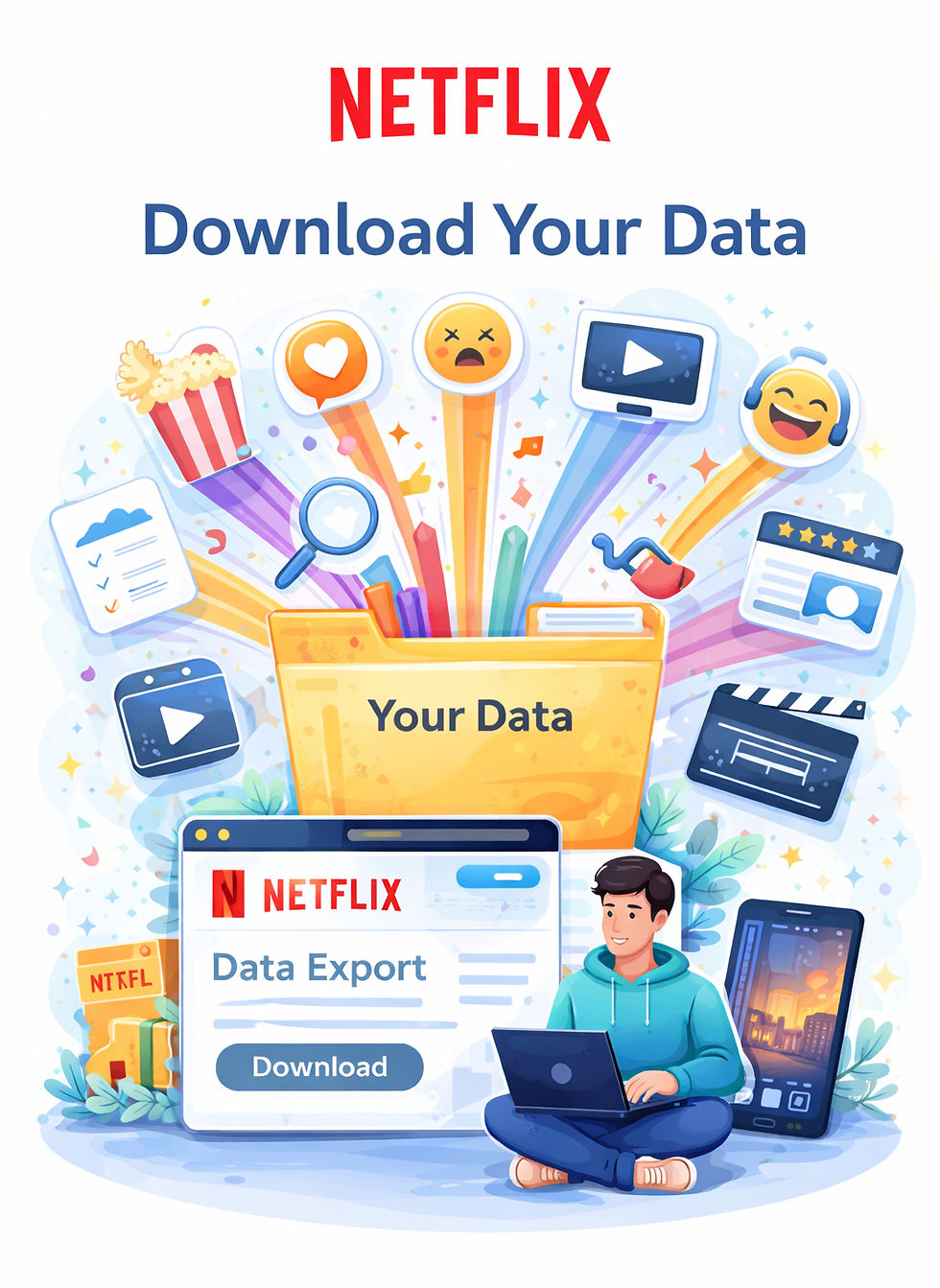
What is Netflix’s data archive?
Netflix allows you to download a copy of your personal data through its Account → Privacy → Download your personal information feature.
Your archive typically includes:
Viewing history
Ratings you gave
Search history
Profiles you used
Device activity
Recommendations shown to you
Account activity
Playback behavior (how long you watched, when you stopped, etc.)
Unlike many platforms, Netflix’s data is extremely behavioral: it shows not just what you watched, but how you watched.
It reveals your habits more than your identity.
How to extract your Netflix data — step by step
Step 1 — Go to your Netflix Account page
Open Netflix in a browser (not the app)
Click your profile icon in the top right
Go to Account
Step 2 — Find Privacy settings
Scroll down to:
👉 Privacy & settingsThen click:👉 Download your personal information
Step 3 — Request your data
Netflix will confirm your request and begin preparing your files.
This usually takes a few hours to a couple of days.
Step 4 — Download and unzip
You’ll receive an email with a download link.
Inside, you’ll find structured files — mostly in CSV or JSON format — that you can open in Excel, Google Sheets, or a text editor.
This is where the story begins.
What kind of data is inside?
Here are the most revealing parts of a Netflix export.
1) Your full viewing history
This is the core of your archive.
You’ll see:
Every show and movie you watched
Date and time you started watching
How long you watched
Whether you finished it or stopped early
Over years, this becomes a cultural autobiography.
You can literally see:
Breakup binges
Comfort show phases
Dark periods where you watched only sad or dystopian content
Light periods with sitcoms and feel-good movies
Obsession with one actor or genre
Your mental state often appears in your watch patterns.
2) Your ratings — what you actually liked
Netflix stores:
Every thumbs up / thumbs down
Every star rating (if you used that system earlier)
This shows your taste more clearly than what you watched, because it reflects your judgment.
You might discover that:
You watched lots of things you didn’t actually like
Your taste became more selective over time
You shifted from mainstream to niche content (or vice versa)
3) Your search history — what you wanted
Netflix keeps a record of:
Every title you searched
Actors you looked up
Genres you explored
This often reveals your intentions:
“romantic movies”
“mind-bending films”
“true crime documentaries”
“feel-good shows”
Your searches show your mood.Your viewing shows your reality.
4) Profiles you used
If you have multiple profiles (you, partner, family, etc.), Netflix tracks:
Which profile watched what
When each profile was active
This can reveal:
Your personal taste vs. shared taste
Late-night solo watching vs. couple watching
Who controls the TV in your household
5) Devices and locations
Netflix may also store:
Which devices you used (TV, phone, laptop)
Approximate locations of viewing
Time of day you watched
This helps reconstruct your lifestyle:
Couch watching vs. commuting watching
Bed watching vs. living room watching
Late-night vs. daytime viewing
Smart analysis steps — how to get insights from your Netflix data
Here are four lenses you can use to reflect on your archive.
1) The Mood Lens — what you were escaping from
Sort your viewing history by year or month and ask:
What genres dominated during stressful periods?
Did I watch more dark content during tough times?
Did I turn to comedy after big life changes?
You may notice patterns like:
More true crime during anxiety phases
More sitcoms during burnout
More fantasy during periods of boredom
Your viewing becomes a map of your emotional landscape.
2) The Attention Lens — how you actually watch
Look at playback behavior:
How often did you stop mid-episode?
How many series did you start but never finish?
How many movies did you abandon halfway?
Ask yourself:
Do I binge or sample?
Am I patient with slow shows?
Do I get distracted easily?
Your Netflix habits mirror your attention habits in life.
3) The Taste Lens — how your preferences evolved
Compare early years with recent years.
Ask:
Has my taste become more sophisticated?
More niche?
More mainstream?
More international?
You might see a journey from blockbuster movies to documentaries, or from reality TV to arthouse films.
Your taste evolves like your identity.
4) The Routine Lens — when you watch
Analyze timestamps:
Do you mostly watch late at night?
After work?
On weekends?
During meals?
You may realize that Netflix structures your day more than you thought.
For some people, it becomes a ritual — not just entertainment.
What surprises people about Netflix data
Common reactions include:
“I didn’t realize how much I watch.”
“I can see exactly when I was stressed.”
“I start way more shows than I finish.”
“My taste changed way more than I thought.”
Many people describe this as both funny and slightly confronting.
Privacy and control — what you can do next
If you don’t like what Netflix stores about you, you can:
Clear viewing history
Delete specific titles from your profile
Turn off personalized recommendations
Create separate profiles for different moods
Limit who uses your account
You don’t need to quit Netflix — just watch more intentionally.
Coming next in the series
In the next post, we’ll move from Netflix to Uber.
We’ll explore what Uber quietly knows about you:
Where you go at night
How you move through your city
Your commute, routines, and travel habits
The places that truly matter in your life
And how your ride history maps your social and urban world over time
We’ll show you how to download your Uber data, what’s really inside it, and what your trips reveal about your lifestyle, priorities, and rhythms.
Because your ride app might know your city — and your habits — better than you do.
Stay tuned. 🚗📊


Comments